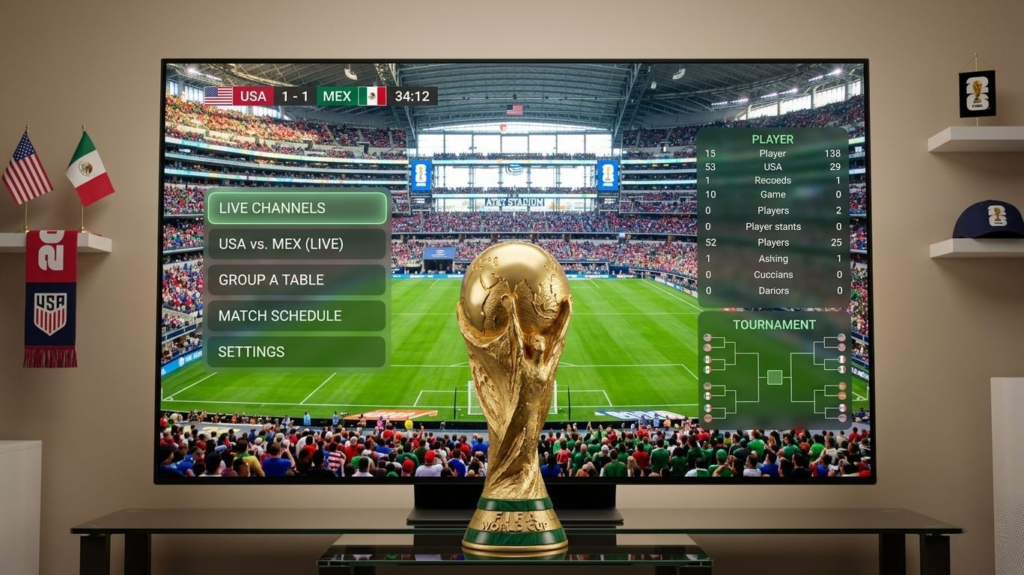
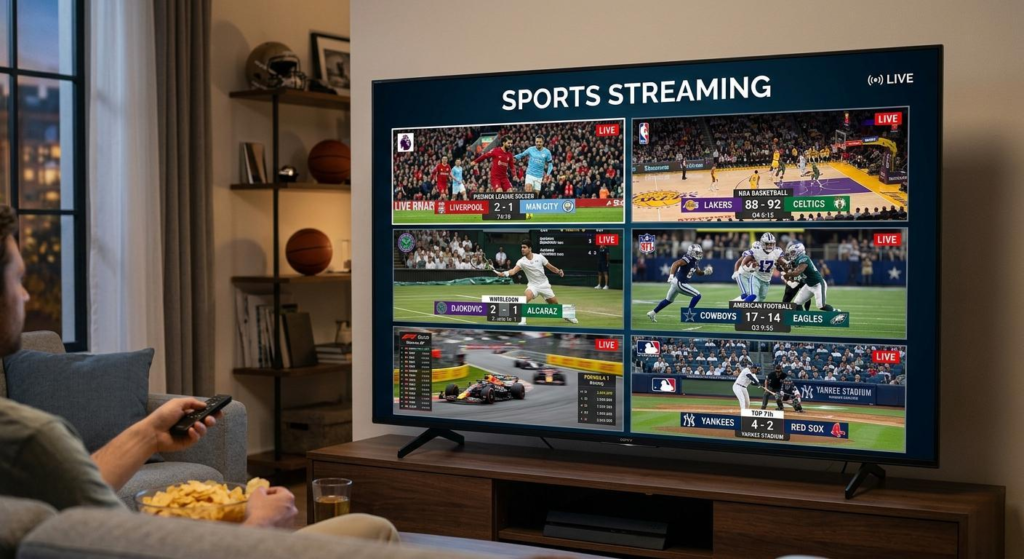
Live sports is where IPTV either proves itself or fails completely.
On-demand content is forgiving a few seconds of buffering barely matters. Live sports is unforgiving. A buffer during a penalty kick, a freeze during a last-minute touchdown, a dropout during a championship final these are the moments that define whether your IPTV service is worth keeping.
With the FIFA World Cup 2026 starting June 11 in the USA, Canada, and Mexico, there has never been a more important time to make sure your IPTV service can handle live sports at maximum load.
This guide covers exactly what makes an IPTV service good for sports, which channels you need for every major league and tournament, and the one test you must run before trusting any service with the World Cup.
“FIFA World Cup 2026” → WC1: Watch World Cup 2026 on IPTV
What Makes an IPTV Service Good for Live Sports
Not all IPTV services perform equally for live sports. The difference between a good sports IPTV and a bad one comes down to five specific factors — none of which appear in marketing materials.
| Factor | Why It Matters for Sports |
|---|---|
| Server capacity | Handles peak load during major events |
| CDN quality | Low latency = real-time stream, not delayed |
| Uptime during events | Must stay stable during 90+ minute matches |
| Channel switching speed | Under 3 seconds between channels |
| Concurrent stream limit | Multiple games running simultaneously |
Factor 1 — Server capacity during peak events
This is the factor that separates reliable sports IPTV from everything else. During a World Cup match, Champions League final, or Super Bowl, every subscriber tries to watch simultaneously. Providers who oversell their server capacity throttle or drop streams exactly at these moments.
A provider that claims 99.9% uptime means nothing if that uptime collapses during the 90 minutes you actually care about. The only way to verify server capacity is to test during a real live event — not during a regular weekday.
Factor 2 — CDN latency for live sports
CDN (Content Delivery Network) quality determines how close your stream origin is to your physical location. A provider routing streams through distant servers adds latency — you see events 30–60 seconds after they happen. For sports this means social media spoils results before you see them on screen.
Quality IPTV providers use geographically distributed CDN nodes that keep latency under 10 seconds for live sports. This matches or beats cable TV delay.
Factor 3 — Channel switching speed
During a World Cup group stage with 4 simultaneous matches, you will switch channels constantly. Channel switching speed under 3 seconds is the standard for a good sports IPTV experience. Over 5 seconds becomes frustrating when you are trying to catch action across multiple games.
Factor 4 — Multi-stream support
A quality IPTV sports subscription allows multiple simultaneous streams. This matters during the World Cup group stage when multiple games run at the same time — different TVs in your home, or watching one match while recording another.
Factor 5 — Backup streams
The best sports IPTV providers offer backup stream links for every major live event. If the primary stream drops, a secondary stream is available within seconds. This redundancy is the difference between missing a goal and catching it.
Essential Sports Channels — What Your IPTV Must Include
A sports IPTV subscription is only as good as the channels it carries. Here is the complete checklist of channels you need for comprehensive sports coverage in 2026:
| Sport | Essential Channels | Notes |
|---|---|---|
| FIFA World Cup 2026 | Fox, FS1, Telemundo, beIN Sports, BBC, ITV | All 104 matches |
| NFL | NFL Network, ESPN, Fox, CBS, NBC, Amazon Prime | Full season + playoffs |
| NBA | ESPN, TNT, NBA TV, ABC | Full season + Finals |
| MLB | ESPN, Fox, TBS, MLB Network | Full season |
| NHL | ESPN, TNT, NHL Network | Full season |
| Premier League | NBC Sports, Peacock, Sky Sports, BT Sport | All 380 matches |
| Champions League | CBS Sports, Paramount+, BT Sport, beIN | All matches |
| La Liga | ESPN+, beIN Sports | Full season |
| UFC / MMA | ESPN+, PPV channels | Fight nights |
| Formula 1 | ESPN, F1 TV | Full season |
| Tennis (Grand Slams) | ESPN, Tennis Channel | All 4 majors |
| Boxing PPV | Various PPV channels | Major fights |
A quality IPTV service includes all of the above in a single subscription. If a provider cannot confirm these channels are in their lineup before you pay, move on.
“Champions League” → WC1: Watch World Cup 2026 on IPTV
How to Test IPTV for Sports Before the World Cup
This is the most important section in this guide. A good test before June 11 is worth more than any review or recommendation.
The right way to test sports IPTV:
Step 1 — Test during a real live event, not on demand
Open a live sports stream — not a replay, not on-demand content. Live sports creates the server conditions that reveal provider weaknesses. On-demand content never will.
Step 2 — Test during peak hours
Evening matches on weekends are the closest simulation to World Cup conditions. A 7pm Saturday Premier League match or NBA playoff game generates the same simultaneous viewer spike as a major tournament.
Step 3 — Watch the full match, not just 10 minutes
Problems often appear after 20–30 minutes of streaming when player cache fills and re-buffers. A 10-minute test tells you almost nothing about real sports reliability.
Step 4 — Test channel switching speed
During halftime, switch between 5 different sports channels rapidly. Count the seconds. Under 3 seconds is good. Over 5 seconds will frustrate you during the World Cup group stage with 4 simultaneous matches.
Step 5 — Test on the device you will actually use
A service that works perfectly on your laptop may buffer on your Firestick due to hardware limitations. Test on the exact device and network setup you plan to use on June 11.
Step 6 — Test at the worst possible time
If you can watch during a Champions League match (May 31 final) or NBA Finals (starting June 5), you are testing under near-identical conditions to World Cup opening day. This is the gold standard test.
“May 31 Champions League final” → WC1: Watch World Cup 2026 on IPTV
“buffer” → Article #2: How to Fix IPTV Buffering
Best Devices for Sports IPTV Streaming in 2026
The device you use for sports IPTV matters more than most people realize. Live sports puts higher processing demands on hardware than on-demand content.
| Device | RAM | Best For | Sports Rating |
|---|---|---|---|
| Firestick 4K Max | 2GB | Living room, easy setup | ★★★★☆ |
| Nvidia Shield Pro | 3GB | Best performance overall | ★★★★★ |
| Android TV Box (4GB+) | 4GB | Power users | ★★★★★ |
| Firestick 4K | 1.5GB | Good balance | ★★★★☆ |
| Apple TV 4K | 4GB | Premium iOS users | ★★★★★ |
| Smart TV (built-in) | Varies | Convenience | ★★★☆☆ |
| Firestick HD/Lite | 1GB | Budget only | ★★☆☆☆ |
For World Cup 2026 specifically:
The Nvidia Shield Pro is the absolute best device for sports IPTV. Its 3GB RAM and dedicated media processor handle 4K live sports streams without dropping frames. If you are serious about the tournament and want the best possible viewing experience, this is the device.
For most users, the Firestick 4K Max is the right balance of price and performance. Its 2GB RAM handles HD and 4K streams reliably and WiFi 6 support significantly reduces buffering on wireless connections.
Avoid using original Firestick or Firestick Lite models for live sports. Their 1GB RAM struggles under the combined load of live streaming, EPG updates, and background app activity.
"Firestick 4K Max" → Article #3: How to Install IPTV on Firestick
"Android TV Box" → Article #4: How to Install IPTV on Android TV
Optimizing Your IPTV Setup for World Cup 2026
Beyond choosing a good provider and device, these optimizations make a measurable difference during live sports:
Network optimizations:
Use Ethernet The single most impactful change for sports streaming. A direct Ethernet connection from router to streaming device eliminates WiFi interference entirely. If your TV is far from the router, a Powerline Ethernet adapter ($30–$50) runs through your home's electrical wiring.
Enable QoS on your router Quality of Service settings in your router admin panel let you prioritize streaming traffic. Set your streaming device's IP address as the highest priority device. Other devices on the network cannot steal bandwidth during matches.
Reboot your router the day before every big match This clears memory and resets network tables. Routers accumulate connection overhead over time. A fresh start before the World Cup opening match takes 60 seconds and makes a real difference.
Player optimizations for sports:
In TiviMate: Set buffer to 15 seconds for live sports specifically. This is higher than the standard recommendation because sports content has more sudden bitrate spikes than standard content.
In IPTV Smarters: Switch player engine to ExoPlayer and enable hardware acceleration. VLC struggles with high-bitrate sports streams on lower-powered devices.
Disable all background app updates during matches Go to your device settings and pause automatic updates. A background app update during the World Cup Final consuming bandwidth is exactly the kind of thing that causes unexplained buffering.
“buffer settings” → Article #2: How to Fix IPTV Buffering
Sports IPTV vs Cable TV vs Streaming Services in 2026
| ——- | Cable TV | Streaming (YouTube TV/Hulu) | IPTV |
|---|---|---|---|
| Monthly cost | $150–220 | $73–82 | $40–50 |
| World Cup channels | Fox, FS1 only | Fox, FS1 only | All global feeds |
| International feeds | No | No | Yes |
| Sports in 4K | Limited | Limited | Yes |
| Contract | Yes | No | No |
| Multiple devices | Extra cost | Included | Included |
| PPV events | Extra cost | Extra cost | Often included |
| International leagues | Limited | Limited | Full coverage |
The data makes the case clearly. For sports specifically — and World Cup in particular — IPTV delivers more content at lower cost with no contract.
The only genuine advantage cable has for sports is consistency. Its dedicated physical infrastructure does not share bandwidth with internet traffic. However, a quality IPTV provider on a stable internet connection matches cable reliability for the vast majority of matches.
Why the World Cup 2026 Is the Ultimate IPTV Test
The FIFA World Cup 2026 is the largest sporting event in human history by viewer count. 5 billion people will watch at least one match. In the USA, Canada, and Mexico the host countries interest will be at an all-time high.
For IPTV providers, this event is simultaneously the biggest opportunity and the biggest stress test of the year.
What happens on June 11:
Every IPTV subscriber globally tries to watch the opening match simultaneously. Server loads spike to 5–10x normal traffic. Providers who have invested in infrastructure stay stable. Providers who have not, fail publicly, loudly, at the worst possible moment.
For you as a subscriber:
The World Cup is the best possible test of whether your IPTV provider is worth keeping long-term. A service that handles World Cup opening day without buffering will handle any regular sports content easily for the rest of the year.
Test now. Switch if necessary. June 11 is not the day to discover your provider cannot handle the load.
Flexxstream is built for exactly these high-load moments. Test it during the Champions League Final on May 31 or NBA Finals in June — before the World Cup starts. If it holds stable during those events, you are ready for June 11.
Start Your Flexxstream Sports Trial → your trial page URL
Frequently Asked Questions — Best IPTV for Sports
Q: What is the best IPTV service for live sports in 2026?
A: The best IPTV for sports is one that maintains server stability during peak events — not just on quiet weekdays. Look for providers that offer a trial period so you can test during a real live match before the World Cup. Key channels to confirm: Fox, FS1, ESPN, beIN Sports, Sky Sports, and BT Sport.
Q: Can I watch the World Cup 2026 on IPTV?
A: Yes. A quality IPTV subscription includes all channels broadcasting World Cup 2026 — Fox, FS1, Telemundo in the USA, BBC and ITV in the UK, beIN Sports internationally — covering all 104 matches. See our complete World Cup 2026 IPTV guide for full setup instructions.
Q: Why does IPTV buffer during live sports but work fine otherwise?
A: Live sports creates simultaneous viewer spikes that overload providers with insufficient server capacity. During a major match, every subscriber watches at the same moment — providers who oversell capacity throttle streams exactly then. Test during a live match before trusting any provider with the World Cup.
Q: What internet speed do I need for sports IPTV?
A: 15 Mbps minimum for HD sports streaming. 25 Mbps for 4K. For multiple simultaneous matches during the World Cup group stage, add 15 Mbps per extra stream. An Ethernet connection is strongly recommended over WiFi for live sports.
Q: Which device is best for sports IPTV streaming?
A: The Nvidia Shield Pro offers the best sports IPTV performance. For most users, the Firestick 4K Max is the best value — its 2GB RAM and WiFi 6 support handle HD and 4K sports streams reliably. Avoid 1GB RAM devices for live sports.
Q: Is IPTV better than cable for watching sports?
A: For channel variety and cost, yes. IPTV provides all global sports feeds — including international World Cup broadcasts, all Premier League matches, and PPV events — at $40–50 per month versus $150–220 for cable sports packages. With a stable internet connection and quality provider, reliability matches cable.
Q: How do I know if my IPTV will handle the World Cup?
A: Test during the Champions League Final on May 31 or NBA Finals starting June 5. Both events generate comparable server load to World Cup matches. If your stream is stable throughout those events including peak moments, your provider is ready for June 11.