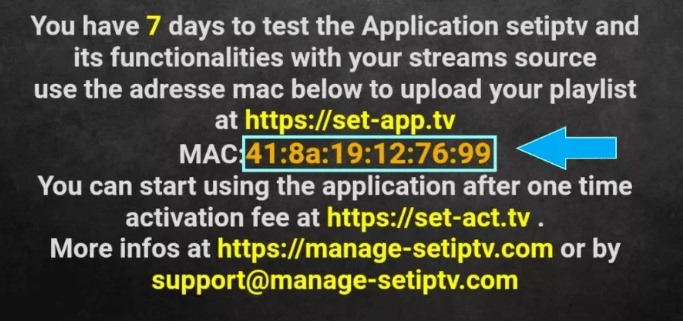
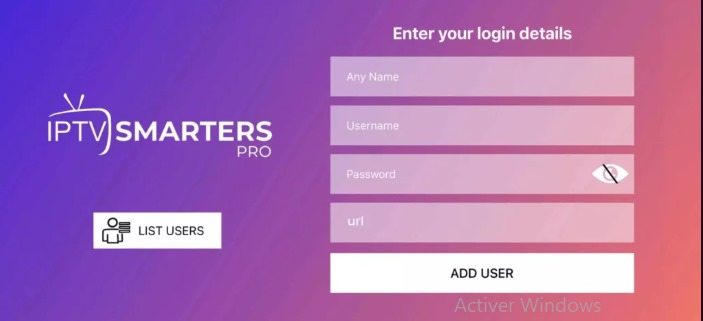
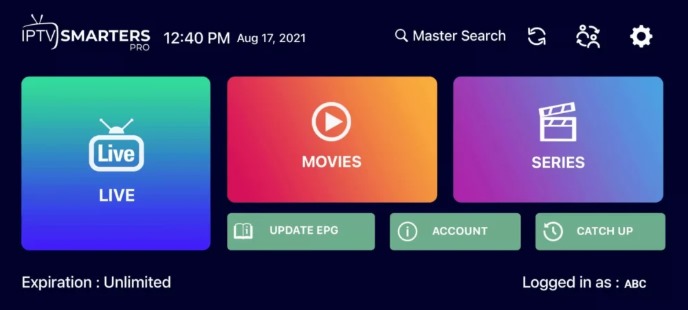
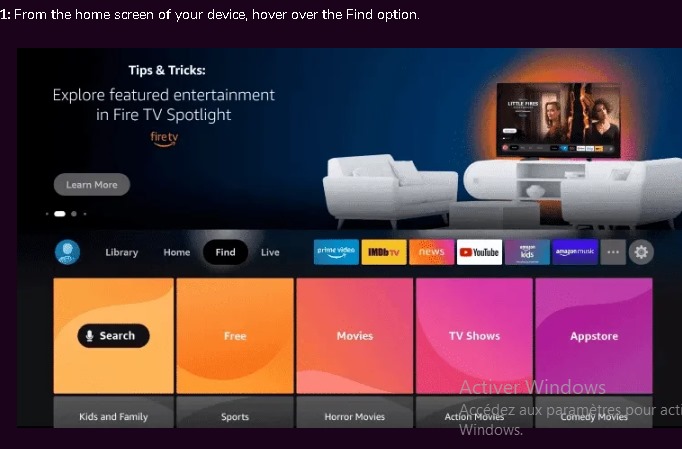
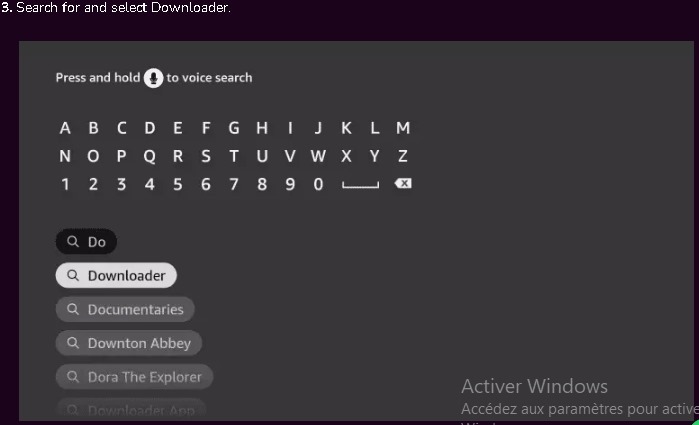
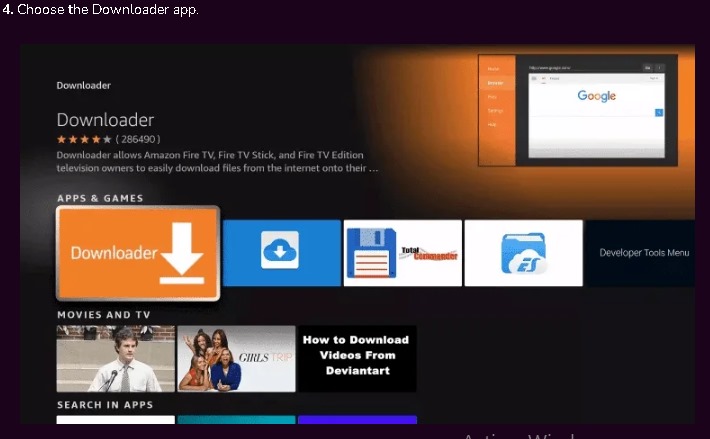
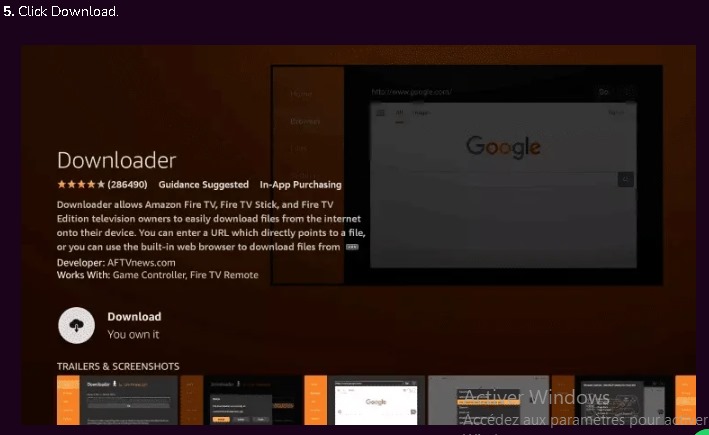
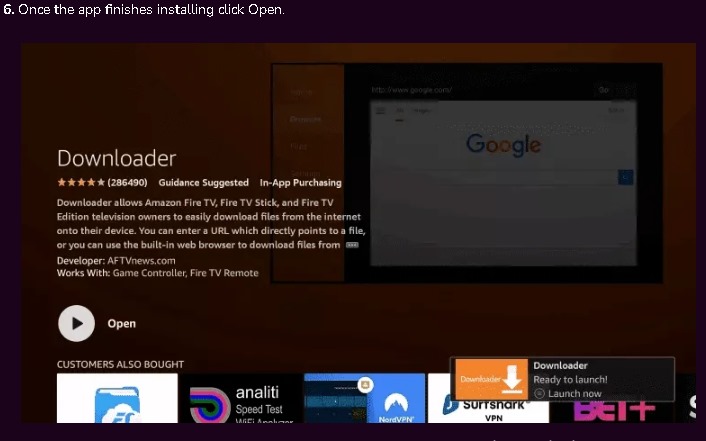
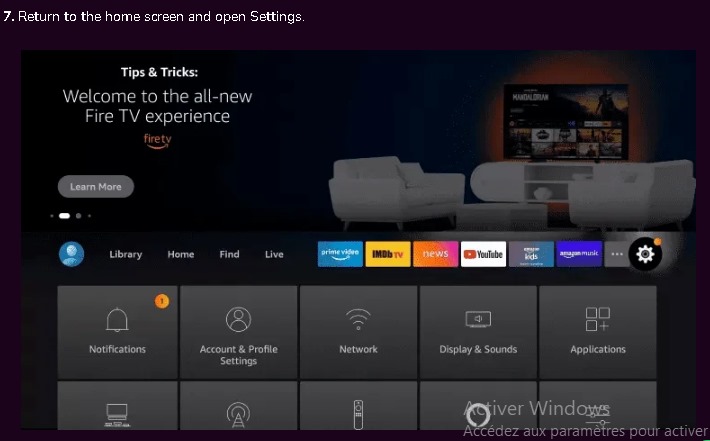
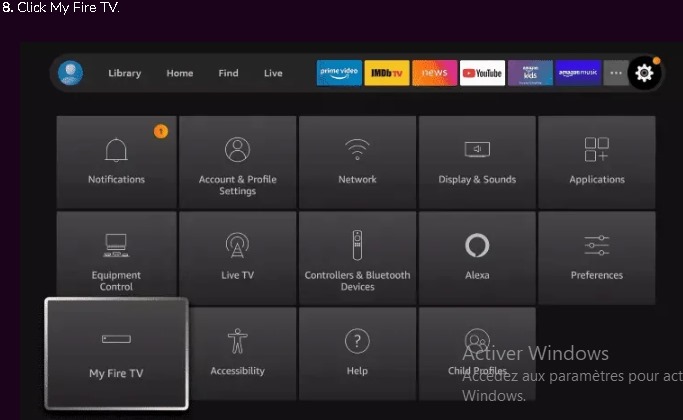
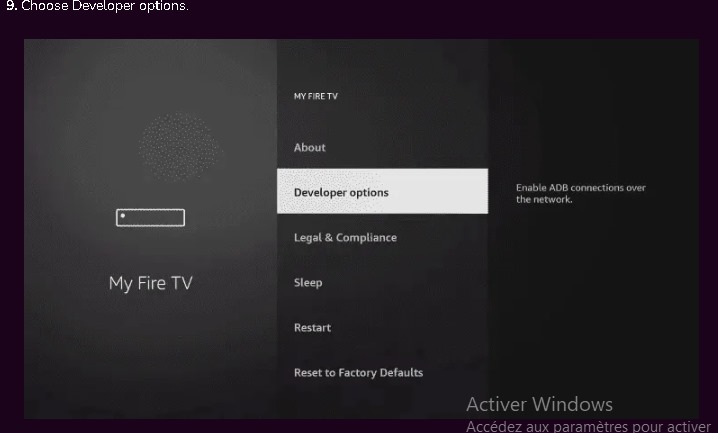
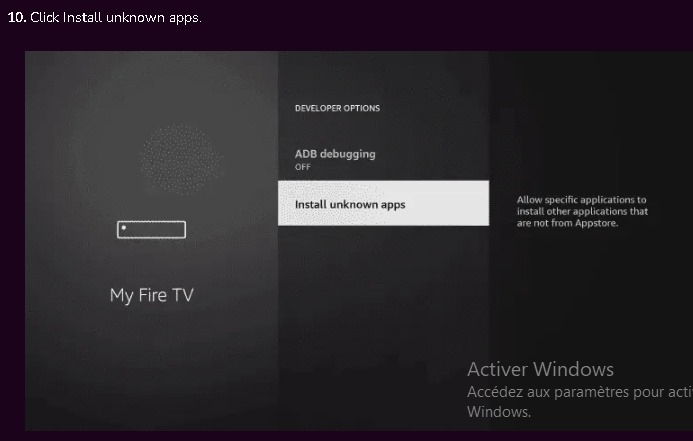
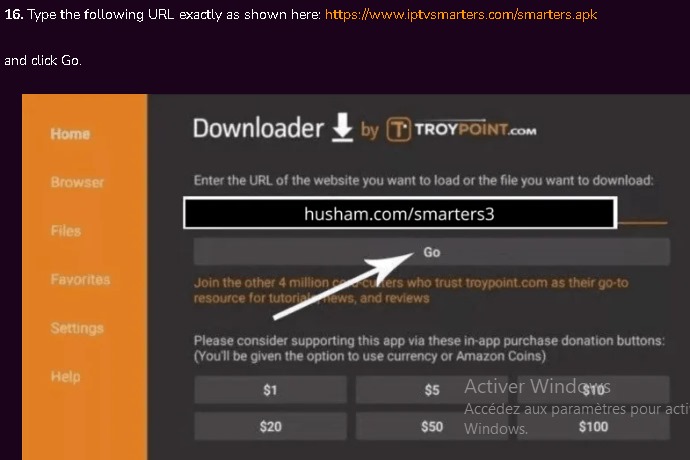
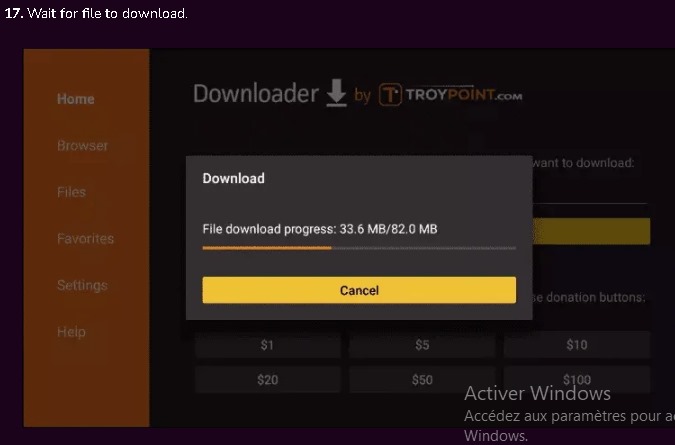
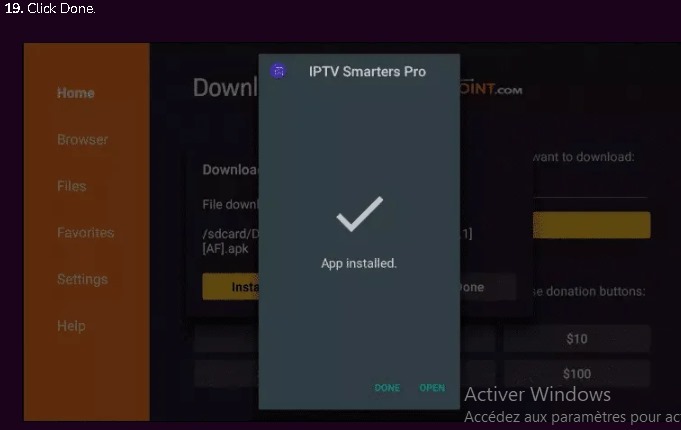
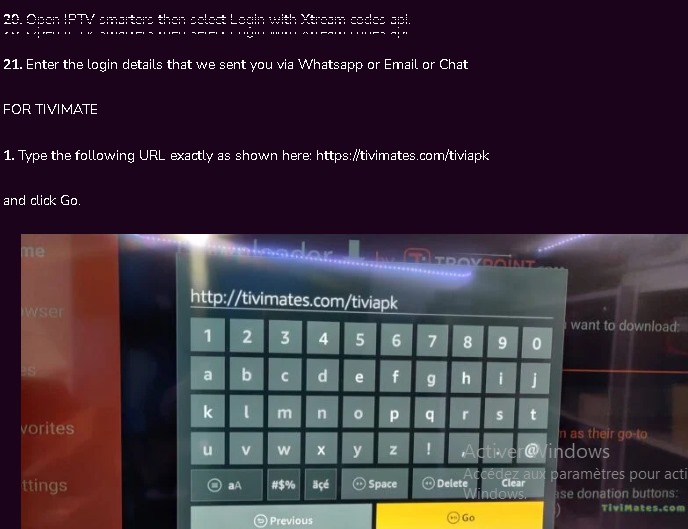
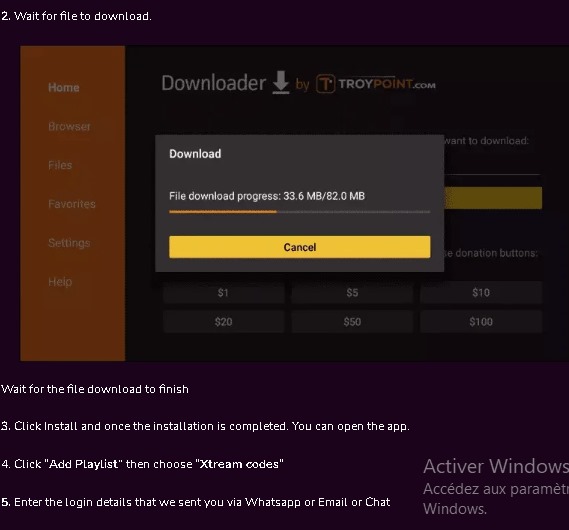
Setup Guide SELECT YOUR DEVICE If you can’t find your device , No Worries. We support all type of devices & Apps Smart TV Step1: You can download SetIPTV/NetIPTV/Smart IPTV from your tv store. Step2: After installation,open the App then you will find MAC Address on screen Step3: send us the MAC address via whatsapp/Email Step4: After few minutes,restart/reboot your tv and open the app Done Mobile Step1: Download IPTV Smarter pro from your store ios/android Step2: Open the app once downloaded and enter login details that we have provided you Step3: Add user , wait some seconds then click on “LIVETV” icon After the steps above now select your channel you want to watch then enjoy your service . Fire Stick